
Parasite Simulator Skills: Controls and Mutation Guide
Learn Parasite Simulator skills, use the E push, spread infections, and explore COSMIC, INVADER, and MARTIAN abilities in Roblox's parasite survival game.
Jump to
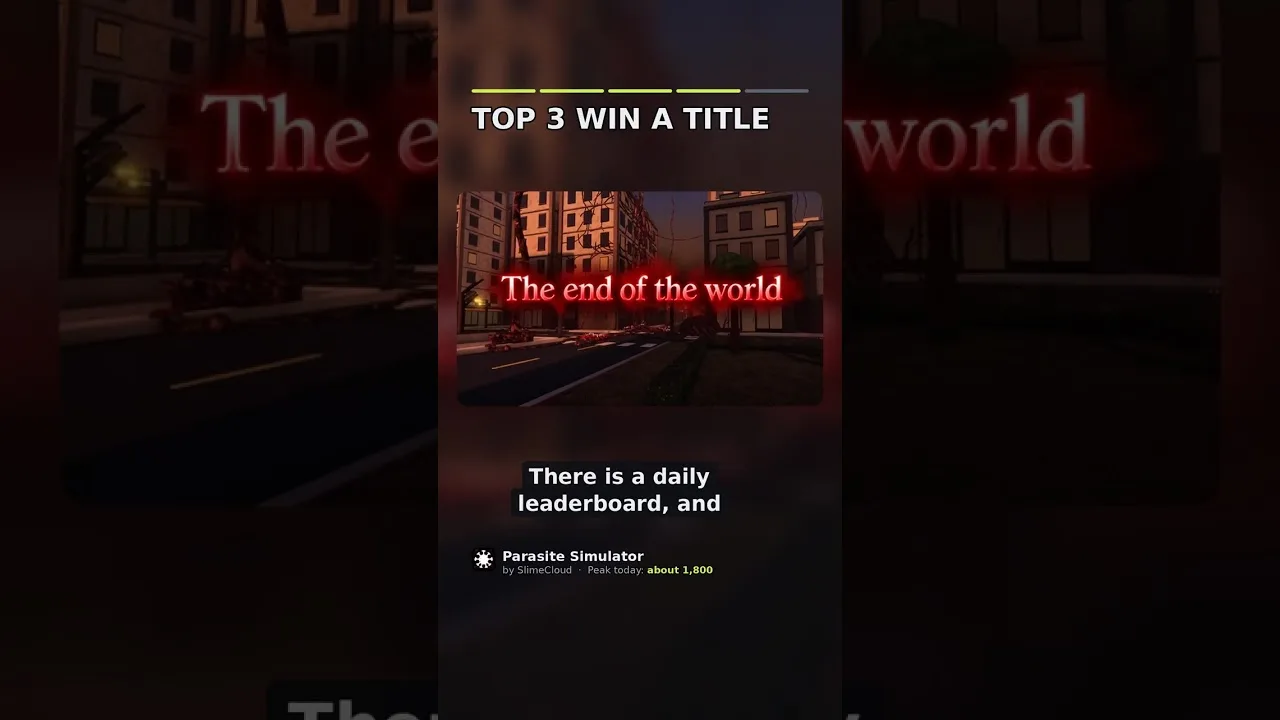
What Skills Can You Use in Parasite Simulator?
Parasite Simulator skills start with a close-range push: approach a human and press E during the tutorial to collect DNA. Plant your parasite to begin spreading infection, then use additional placements and upgrades as the run develops. In the 2.3 COSMIC update, COSMIC also uses GROW to open the INFINITE VOID.
The main abilities and infection actions in the 2.3 COSMIC update are:
| Ability or action | What it does |
|---|---|
| Push with E | Pushes a nearby human during the tutorial, where you collect DNA |
| Parasite placement | Starts infection at the spot where you plant the parasite |
| COSMIC: GROW | Opens the INFINITE VOID through the limited black hole strain |
| INVADER mutation | Brings meteorites into the action |
| MARTIAN mutation | Uses a UFO that beams people up |
The overall objective puts these actions under pressure: grow, spread, and eat every human on the map before you starve.
Official page: Parasite Simulator (roblox.com)
Learn the Push and Infection Loop in the Tutorial
The tutorial connects your character’s push action with the parasite’s spreading behavior. Follow its prompts in this order:
- Approach a human and press E. Get close before using the push, then collect the DNA.
- Name your parasite. Enter a name and confirm it when prompted.
- Plant the parasite. Let passing humans come into contact with the infection.
- Reach five infected people. Continue through the mutation and spawn prompts to complete the tutorial and return to the lobby.
Watch what happens after the initial placement. The parasite continues spreading as humans encounter it, so repeated button presses are only part of the process. Paying attention to human movement helps you decide where to plant during a regular run.
Place Infections Where Humans Still Travel

Choose a busy area for your opening placement. Passing humans give the infection opportunities to reach additional targets. Once it spreads, look for another populated spot before placing again.
Use these habits during a run:
- Watch the infection count. Check whether your current placements are still reaching people.
- Move toward remaining humans. Search beyond areas the parasite has already covered when the count stops rising.
- Collect DNA and use available upgrades. Keep checking your options as the infection expands.
- Watch the timer. Balance waiting for an established infection to spread with finding another useful placement.
Repeated placement can become unavailable during a run. Make each placement count by choosing a spot with human traffic.
There are two worlds—the City and the Underground—and four difficulties. Humans can dodge, run, and fight back, so pay attention to their behavior when choosing where to spread next.
Explore Strains and Limited Mutations
Crates offer 10+ strains in five tones, while mutation rolls add another part of parasite customization. Keep the named features straight when deciding what you want to try.
COSMIC is the limited black hole strain introduced in the 2.3 COSMIC update. Its defining action is GROW, which opens the INFINITE VOID. Select that action when playing COSMIC to activate its signature feature.
INVADER and MARTIAN are limited mutations with distinct effects: INVADER brings meteorites, while MARTIAN brings a UFO that beams people up. Choose which effect you want to pursue without assuming either has a particular damage value, cooldown, or advantage over the other.
For a different setting, Endless Mode takes the action to floating islands and challenges you to see how far you can go.
Continue with
 Parasite Simulator Endless Mode: Floating Island GuideExplore Parasite Simulator endless mode and its floating islands. Learn the infection basics, compare modes, and prepare for the game's survival challenge.
More in Features
Parasite Simulator Features Guide: Strains & Worlds
Use this Parasite Simulator features guide to explore strains, mutations, two worlds, Endless Mode, and Cosmic abilities, plus crate options and codes.

Parasite Simulator Game Passes Sold in the Experience
Explore Parasite Simulator game passes sold in the experience, compare Robux prices, and see how crate tools, inventory space, and the bundle work in-game.
Continue exploring
Join the community
Official channels for news, updates and player help: