
Parasite Simulator Beginner Guide: Start Spreading Fast
Use Parasite Simulator beginner guide to learn infection placement, collect DNA, explore strains, and redeem codes for free Atoms and crates in Roblox.
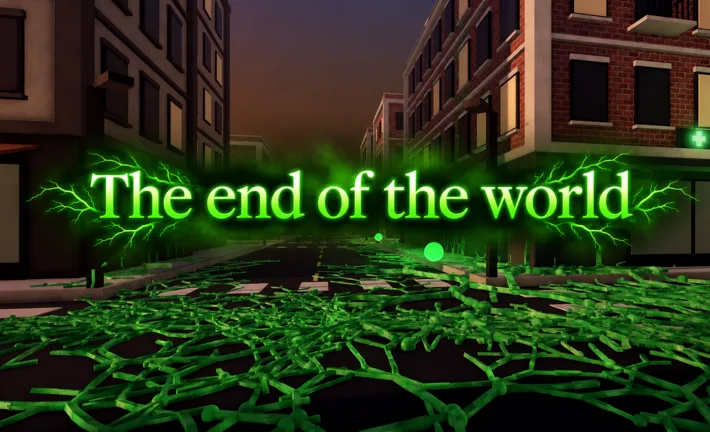
How to Start Spreading in Parasite Simulator
Follow the tutorial, gather DNA, and place your parasite near passing humans to start an outbreak in Parasite Simulator on Roblox. Placement matters because you need to spread and consume humans before starving. Your starting priority in this Parasite Simulator beginner guide: reach fresh targets, then expand and upgrade as the infection grows.
Gameplay Basics for Update 2.3: The Cosmic Update
| System | What to know |
|---|---|
| Main objective | Grow, spread, and consume every human on the map before starving |
| Worlds | 2: the City and the Underground |
| Difficulty | 4 difficulties, with humans that dodge, run, and fight back |
| Strain collection | Crates contain 10+ strains in 5 tones |
| Endless Mode | Takes place on floating islands |
Open Parasite Simulator on Roblox and work through the tutorial before experimenting with different strains.
Early Game: Complete the Tutorial
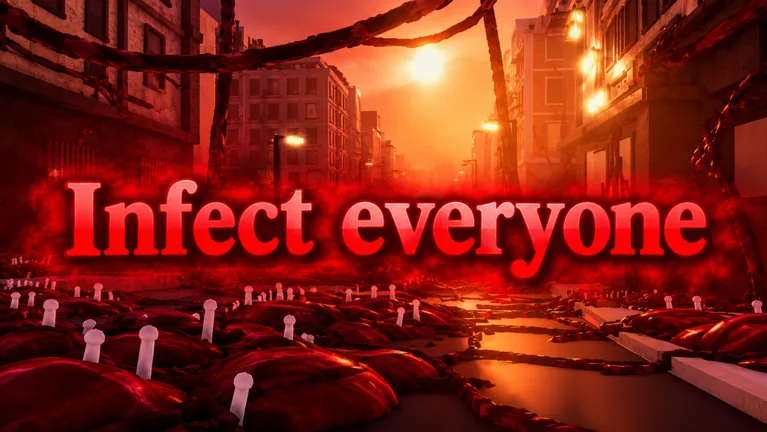 Image: Roblox / SlimeCloud
1. Follow the Skill Prompt Near a Human
During the tutorial, move close to a human and press E when prompted to perform the push action. Follow the DNA prompt that comes afterward.
Use the tutorial to learn the interaction distance and placement process before starting a separate run.
2. Name and Place Your Parasite
Enter a parasite name and confirm it when the naming screen appears. Next, follow the placement prompt to start the infection.
Watch what happens when humans pass through the infected area. Your opening placement should give the parasite access to moving targets, so look for foot traffic before committing to a spot.
3. Reach Five Infections and Finish the Prompts
The tutorial includes an objective to infect five people. Let the outbreak spread, then follow the mutation and spawn prompts to complete the tutorial and return to the lobby.
Keep an eye on the infection count during this step. It gives you a concrete way to judge whether your placement is reaching humans.
Infection and Resources: Make Each Placement Count
 Image: Roblox / SlimeCloud
4. Expand Toward Humans Who Remain
Place additional outbreaks near humans outside your existing infection. Look for another busy area instead of repeatedly targeting streets the parasite has already emptied.
When the infection count stops rising, inspect the surrounding map. Find the remaining humans and direct your next available placement toward them.
5. Collect DNA While the Outbreak Spreads
Gather DNA as you move around the map, and check the upgrade options during your run. Keep watching the infection count after making changes so you can see whether the outbreak is still expanding.
Avoid settling into one location while untouched groups remain elsewhere. Use the time between placements to search for another useful spot.
6. Watch Placement Availability and the Timer
You cannot continuously place parasites without interruption. When another placement is unavailable, monitor the existing outbreak and scout for your next target area.
Watch the timer as well. The goal is to reach humans before starvation ends your attempt, so prioritize accessible groups over empty territory.
Strains and Modes: Know What You Are Opening
7. Explore Strains, Tones, and Mutations
Crates offer 10+ strains in 5 tones, while mutation rolls provide another part of the collection system. Read the results when opening crates or rolling mutations so you can distinguish what you received.
The Cosmic Update adds these limited options:
- COSMIC: A black hole strain whose GROW action opens the INFINITE VOID.
- INVADER: A mutation featuring meteorites.
- MARTIAN: A mutation featuring a UFO that beams people up.
Try different strains as you obtain them, and compare how their outbreaks spread around human traffic.
8. Learn the Worlds Before Pushing Further
The City and the Underground give you two worlds to explore. Watch human movement in each and identify places where an outbreak can reach passing targets.
Across the four difficulties, humans can dodge, flee, and fight back. Pay attention to those reactions when deciding where to place your parasite. Endless Mode takes the action to floating islands when you want to test how far you can go.
Free Rewards: Redeem Codes and Claim Dailies
9. Use Codes for Atoms, Crates, and a Roll
Enter these codes exactly as written:
| Code | Rewards |
|---|---|
| WORLD2 | 3 Epic Crates and 250 Atoms |
| MATRIX | 404 Atoms and 1 Lucky Roll |
To redeem them:
- Enter the game and reach the lobby.
- Select the gear icon on the right.
- Enter a code in the ENTER A CODE box.
- Select REDEEM.
Claim the game's daily rewards too. For future promotions, watch in-game announcements, the SlimeCloud Roblox group, and announcements on the game's Roblox page.
Continue exploring

Parasite Simulator Skills: Controls and Mutation Guide
Learn Parasite Simulator skills, use the E push, spread infections, and explore COSMIC, INVADER, and MARTIAN abilities in Roblox's parasite survival game.
Parasite Simulator Mutations Guide: Crates & Limiteds
Parasite Simulator mutations guide: learn how crates work, explore INVADER and MARTIAN, and use free rewards to try strains in the City and Underground.
Join the community
Official channels for news, updates and player help: